

My hands-on experience building a website for Tahoors Creative Studio
Building a website can be a time-consuming process, especially when you are starting a business, managing multiple projects, or trying to establish your brand online. You need to think about the design, layout, content, images, navigation and all the other details that make a website useful and professional.
As someone who works in creative services and digital marketing, I understand how important a well-designed website is for a business. I also know that not every entrepreneur has the time, technical knowledge or budget to start building a website from scratch.
That is why I decided to try Bluehost AI Builder and see how easy it would be to turn a simple idea into a complete business website.
For this hands-on test, I created a website for Tahoors Creative Studio, an illustration studio concept based in Halifax, Nova Scotia. The studio focuses on children’s book illustrations, anime, manga, cartoon character design and creative visual storytelling.
My goal was to create something more than a basic business website. I wanted an artistic, interactive experience that could showcase creative work and give visitors a reason to explore.
Here is how the process went.
1. Starting with an idea
I began by opening Bluehost AI Builder. Rather than starting with a blank page and manually selecting every design element, I wanted to see how the AI could interpret a written description of the website I had in mind.
I had already thought about the type of website I wanted. It needed to feel like a creative studio, with strong visual elements, engaging sections and an interesting browsing experience.
I wanted the website to feature illustration work, animated elements, interactive portfolio sections, smooth scrolling effects and a clear presentation of the studio’s services.
The interesting part was that I could communicate these requirements through a written prompt.
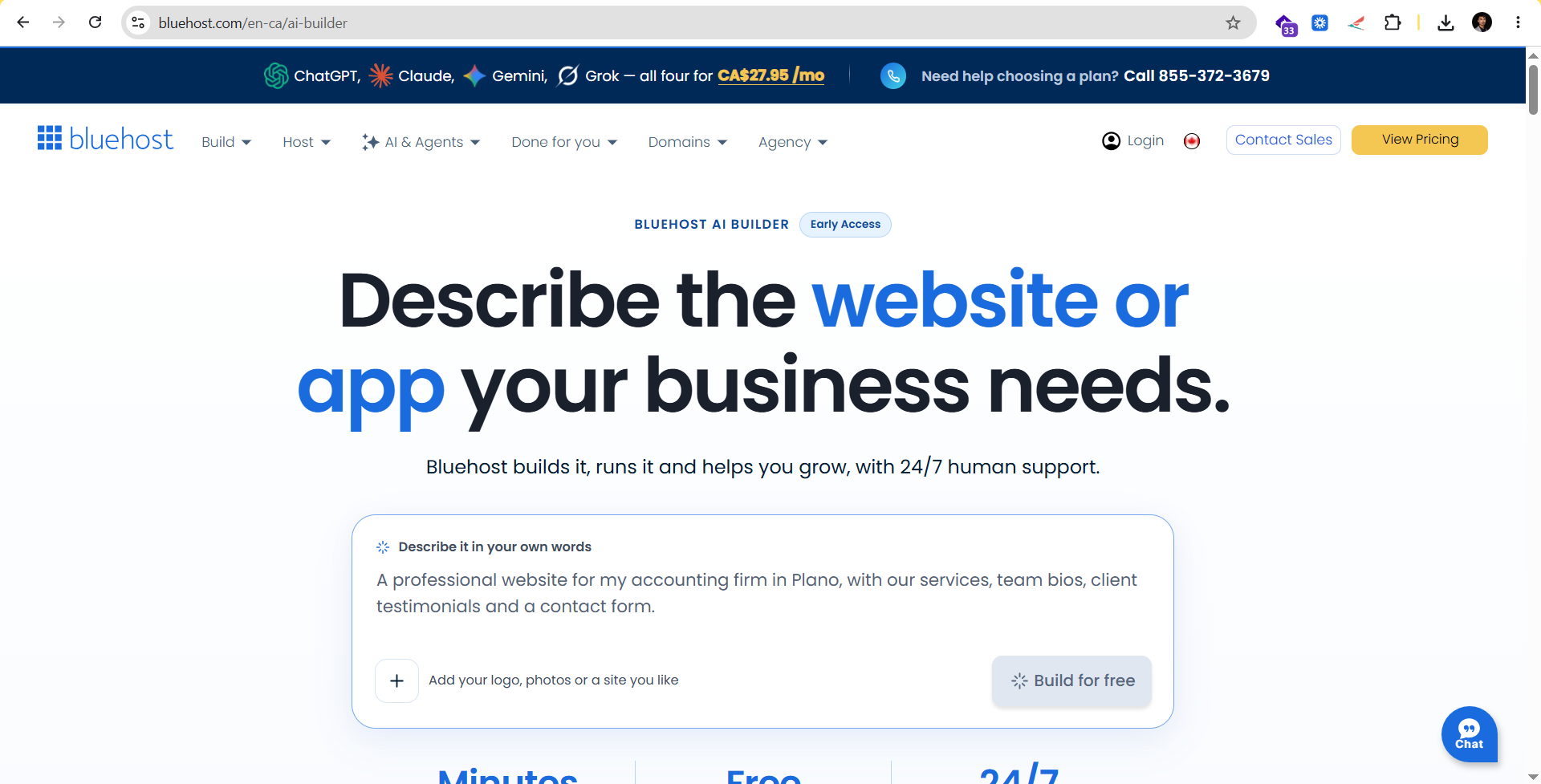
Caption: Getting started with Bluehost AI Builder.
2. Giving the AI my instructions, logo and reference website
The next step was to provide the AI with information about the website I wanted to create.
I entered a detailed prompt explaining the purpose of the website, the services offered by the studio, the visual direction and the type of experience I wanted visitors to have.
I also uploaded the studio logo and provided a reference website to help communicate the creative direction.
I found this step particularly useful because it allowed me to explain my expectations before the website was generated. Instead of relying on a generic description such as “create a website for an illustration company”, I could give more specific instructions about the layout, portfolio, animations, visual presentation and overall atmosphere.
For example, I wanted the website to feel like an interactive art exhibition rather than a conventional business website. I wanted visitors to discover the studio’s work as they moved through the different sections.
One thing I would recommend to anyone trying an AI website builder is to spend some time preparing the prompt. Think about your business, your audience, the services you offer and the kind of experience you want to create. The clearer your instructions, the better the AI can understand your direction.
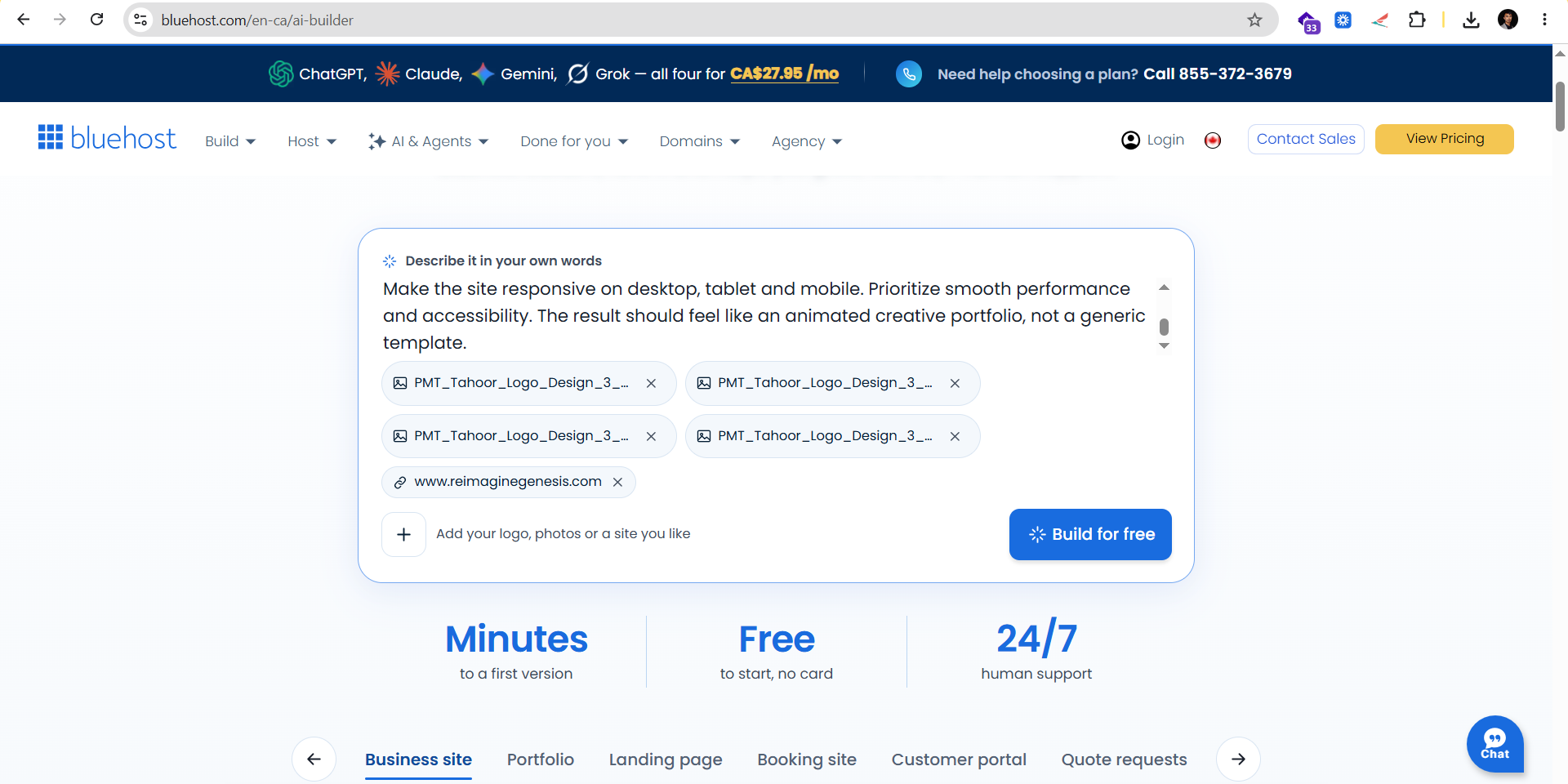
Caption: Providing the website brief, uploading the logo and sharing a design reference.
3. Watching Bluehost AI Builder create the website
After providing my instructions, I moved to the building stage.
This was one of the most interesting parts of the experience. I could watch Bluehost AI Builder work on the website based on the information I had provided.
For someone who has built websites using traditional methods, it is interesting to see how an AI-powered process can turn a written brief into a website design.
Instead of manually creating each section at the beginning, I could first see what the AI produced from my instructions and then move on to reviewing the result.
The process was straightforward and enjoyable. I did not have to spend the initial stage building the entire structure myself. I could focus on communicating the idea and evaluating what was generated.
Of course, AI does not replace the need for creative direction. You still need to know what you want your website to communicate. Your business identity, content, images and design expectations all matter.
However, having a starting point generated from a prompt can make the process feel much more approachable.
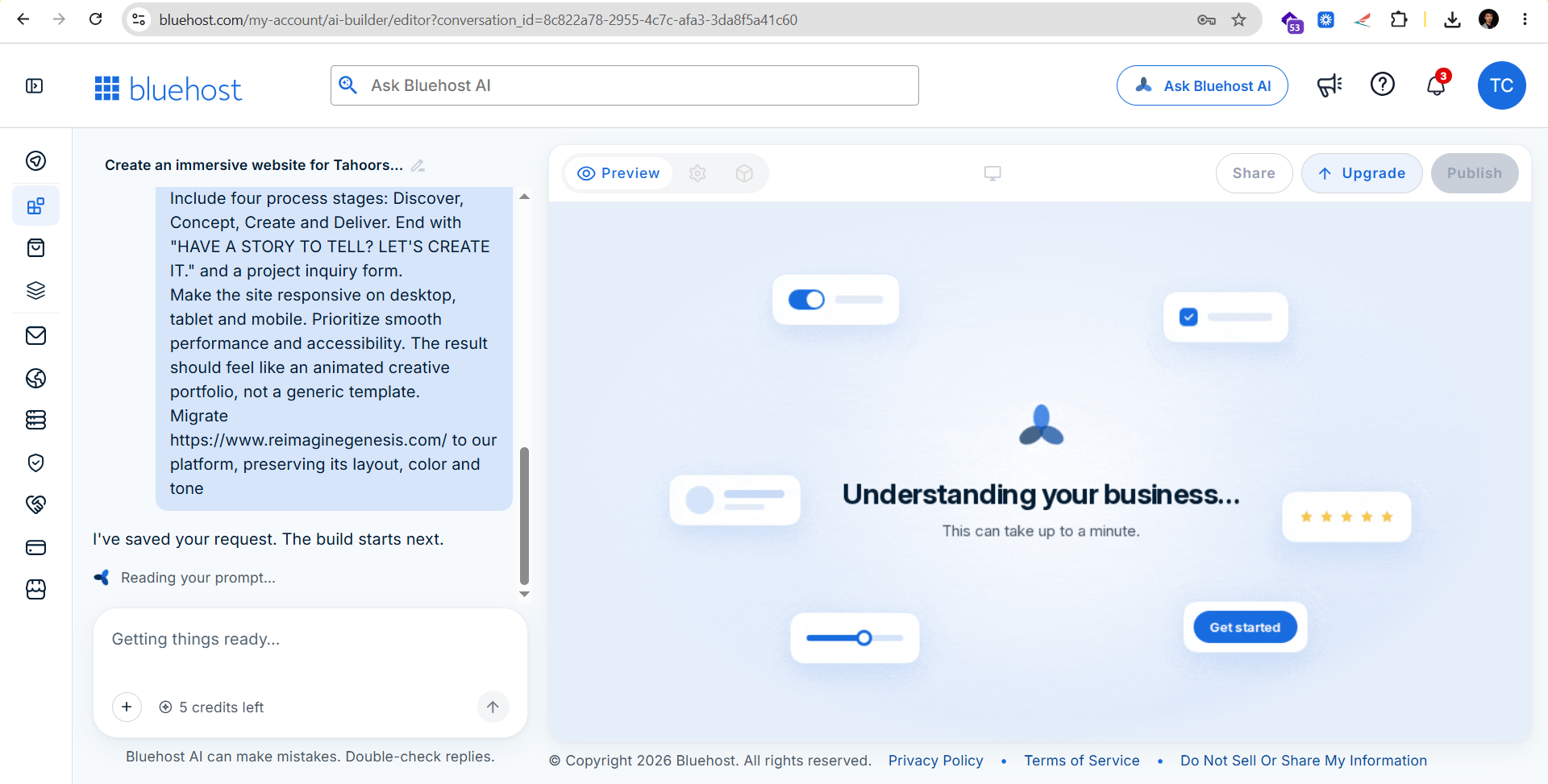
Caption: Bluehost AI Builder generating the website from my instructions.
4. Reviewing the website in the AI preview
Once the website had been generated, I explored the preview to see how the result compared with my original idea.
I wanted to see how the different sections worked together and whether the design communicated the personality of the creative studio.
The preview gave me an opportunity to review the website before presenting the finished version. I could look at the overall structure, visual direction and the way the different content areas were arranged.
For this project, the main objective was to create a portfolio-focused website. The homepage needed to introduce the studio, explain its services, showcase creative work and encourage potential clients to make an inquiry.
I was pleased to see my initial idea taking shape. The experience was particularly enjoyable because I could start with a description of what I wanted and then see an actual website preview.
This is an important distinction: generating a website is only the first stage. You should still review the content, check the layout, examine the images and make sure the website reflects your business accurately before publishing it.
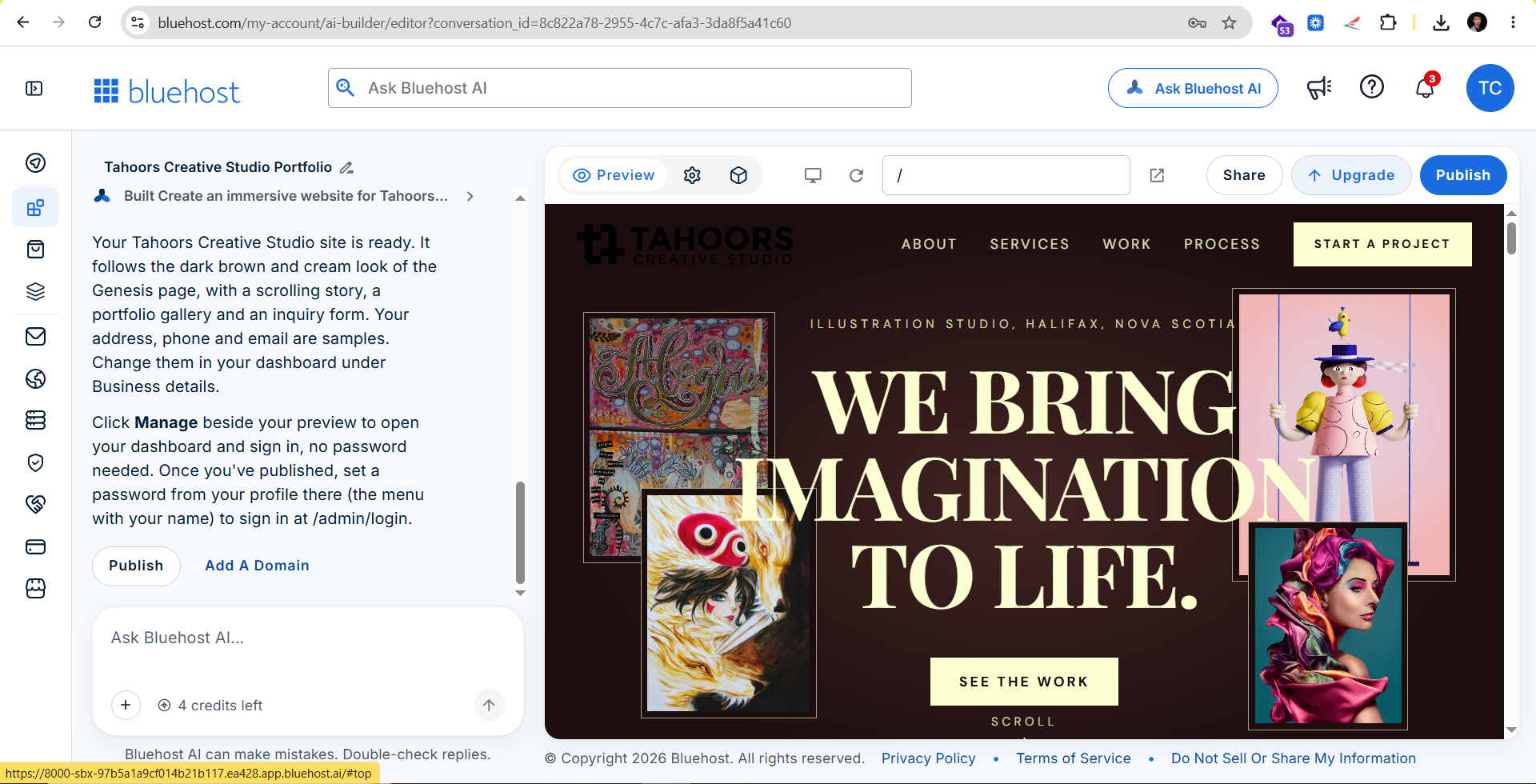
Caption: Reviewing the generated website in the AI preview.
5. The finished website: Bringing the creative studio to life
After reviewing the generated website, I opened the finished version in full screen.
The website was designed around the idea of presenting illustration as an experience. Rather than simply listing services, the layout was intended to introduce the studio and give visitors an opportunity to explore its creative direction.
The website concept included several important sections:
- Hero section: An opening message introducing the creative studio.
- Studio introduction: A short overview of the studio and its approach to visual storytelling.
- Services: Children’s book illustration, anime, manga, cartoon character design and custom character development.
- Portfolio: A visual gallery showcasing different illustration styles and creative projects.
- Creative process: Four stages covering Discover, Concept, Create and Deliver.
- Contact section: An invitation for potential clients to share their project ideas.
I had also requested interactive elements and movement throughout the website, including scroll-triggered animations, parallax effects, animated text, hover interactions and portfolio previews.
For a creative business, these details can help communicate the personality of the brand. The website should not only tell visitors what the studio does; it should also give them a sense of the work and creativity behind it.
Seeing the full website was a satisfying part of the experiment. I started with a written idea, uploaded a logo, provided a reference and watched the AI generate a website that I could then review.
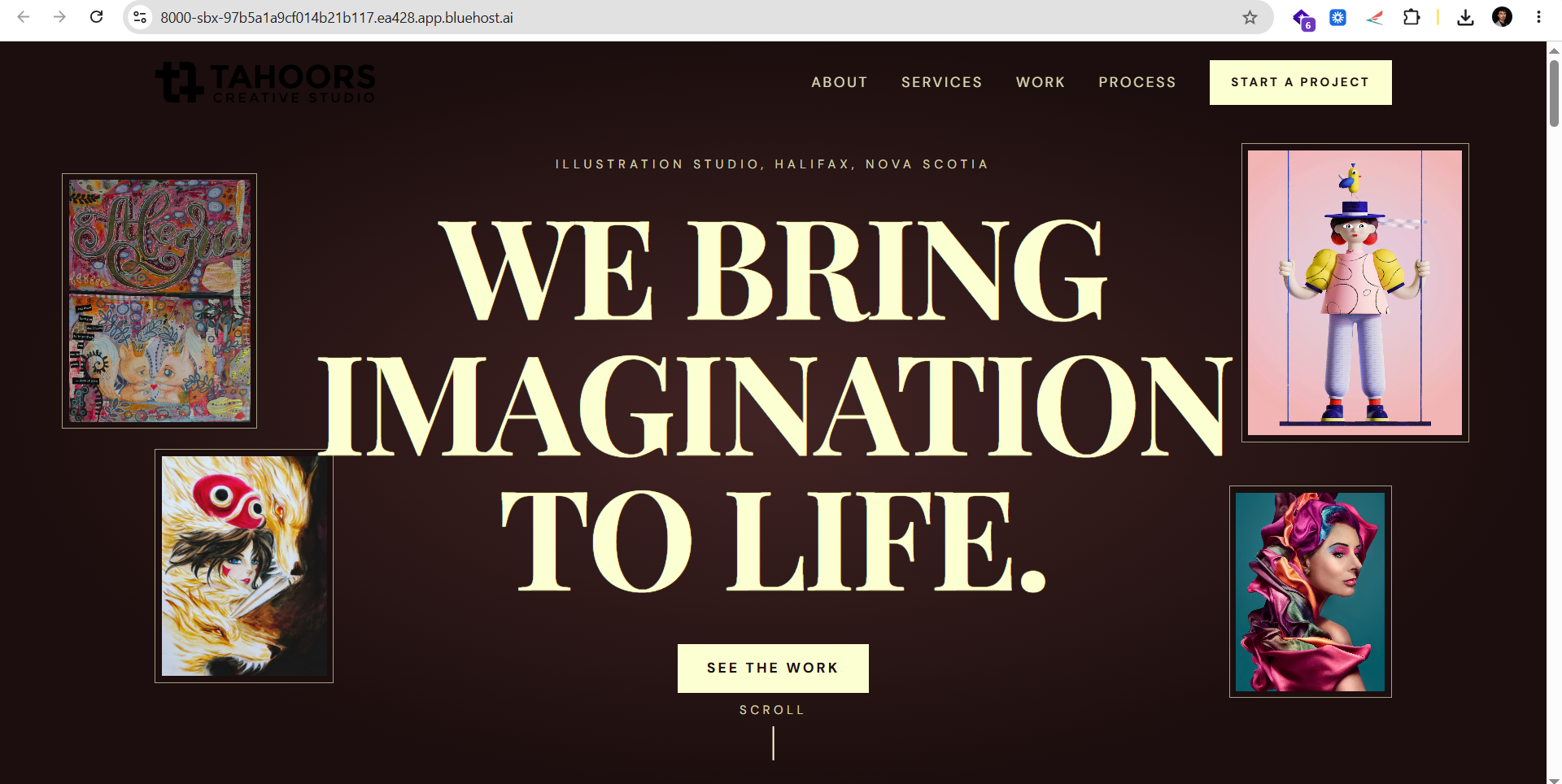
Caption: The completed Tahoors Creative Studio website created using Bluehost AI Builder.
6. What I liked about the experience
The biggest positive for me was how easy and enjoyable the initial website creation process felt.
I could communicate my idea through a prompt, provide visual references and let the AI generate a starting point. This made the process feel less intimidating than beginning with a completely blank website.
Here are a few things I particularly appreciated:
Starting with a written prompt
I could explain the purpose and direction of the website in my own words. This was useful for communicating the type of business, its services and the experience I wanted to create.
Using visual references
Uploading the logo and providing a reference website helped me communicate the creative direction. For businesses with an established visual identity, this is an important part of the process.
Getting a website generated from an idea
Rather than manually starting with every section, I could review an AI-generated website and evaluate how well it matched my expectations.
Making the process enjoyable
I genuinely enjoyed experimenting with the platform. It was interesting to see how my instructions were translated into a website, and the process gave me a practical opportunity to explore AI-assisted website creation.
7. Is Bluehost AI Builder worth considering for small businesses?
I believe AI website-building tools are worth exploring, particularly for entrepreneurs and small business owners who want to establish an online presence.
A freelancer might need a website to present their services. A consultant might want a professional platform to explain their expertise. A small business owner might need a place to introduce their company and provide contact information.
For these types of projects, starting with an AI-generated website can help simplify the initial design process.
However, it is important to remember that a website still needs human input. You should review the generated content, check that the information is accurate, use appropriate images, make sure the navigation works and ensure that the final result reflects your brand.
Also, consider your website requirements before choosing a plan. Bluehost AI Builder offers a free starting option with no credit card required. The free plan publishes your website on a Bluehost subdomain. If you want to connect a custom domain, you will need a paid plan, with paid plans from $20/mo.
If your primary requirement is a dedicated online store, Bluehost AI Builder should not be confused with Bluehost AI Store, which is the separate product intended for ecommerce.
You should also remember that having a website does not automatically guarantee search engine rankings or website traffic. You will still need a marketing strategy, useful content and ongoing work to reach your intended audience.
8. My final thoughts
My experience with Bluehost AI Builder was positive. I found it easy and fun to turn a website idea into an actual website that I could review.
What I appreciated most was the ability to explain my vision, upload a logo, provide a reference website and see the AI generate a starting point. It gave me an opportunity to focus on the creative direction rather than beginning with every design element manually.
For entrepreneurs, freelancers and small business owners who are considering building a website, I would suggest exploring what AI-assisted website creation can offer.
My advice is simple: start with a clear idea, prepare your content, think about your audience and give the AI detailed instructions. Then take the time to review and refine the result.
Want to try it yourself?
You can explore Bluehost AI Builder and see what you can create for your business.
Try Bluehost AI Builder here
This article was created in partnership with Bluehost. The views and experience shared in this article reflect my own hands-on experience with Bluehost AI Builder.